Kanban View
The Kanban View provides a visual, column-based representation of your project’s workflow, allowing you to see the distribution of tasks across different stages of completion.
Written By Jasen Fici
Last updated 10 months ago
Understanding the Kanban Layout
This view translates your pre-defined Task States into vertical columns, creating a clear path for your visual feedback from "To Do" to "Completed".
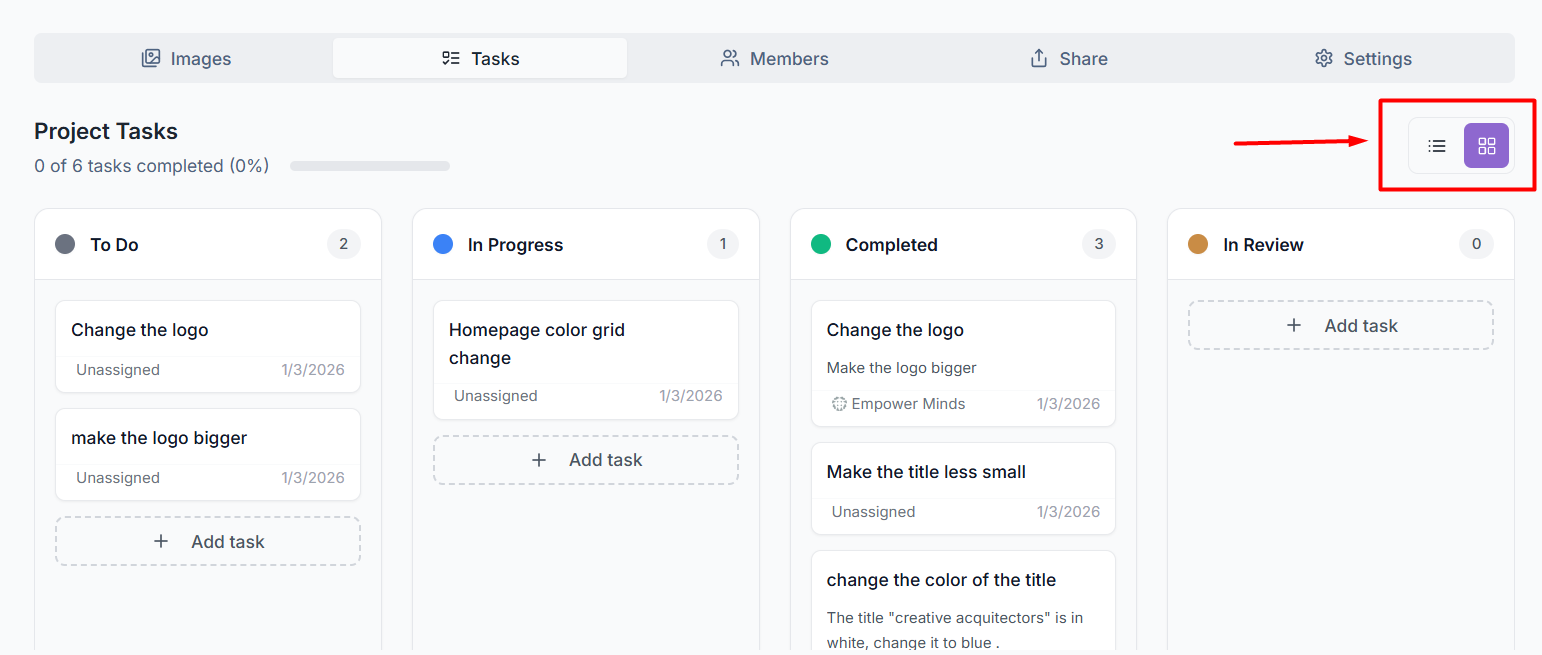
Visual Columns: Each column represents a specific stage in your workflow, such as To Do, In Progress, Completed, or In Review.
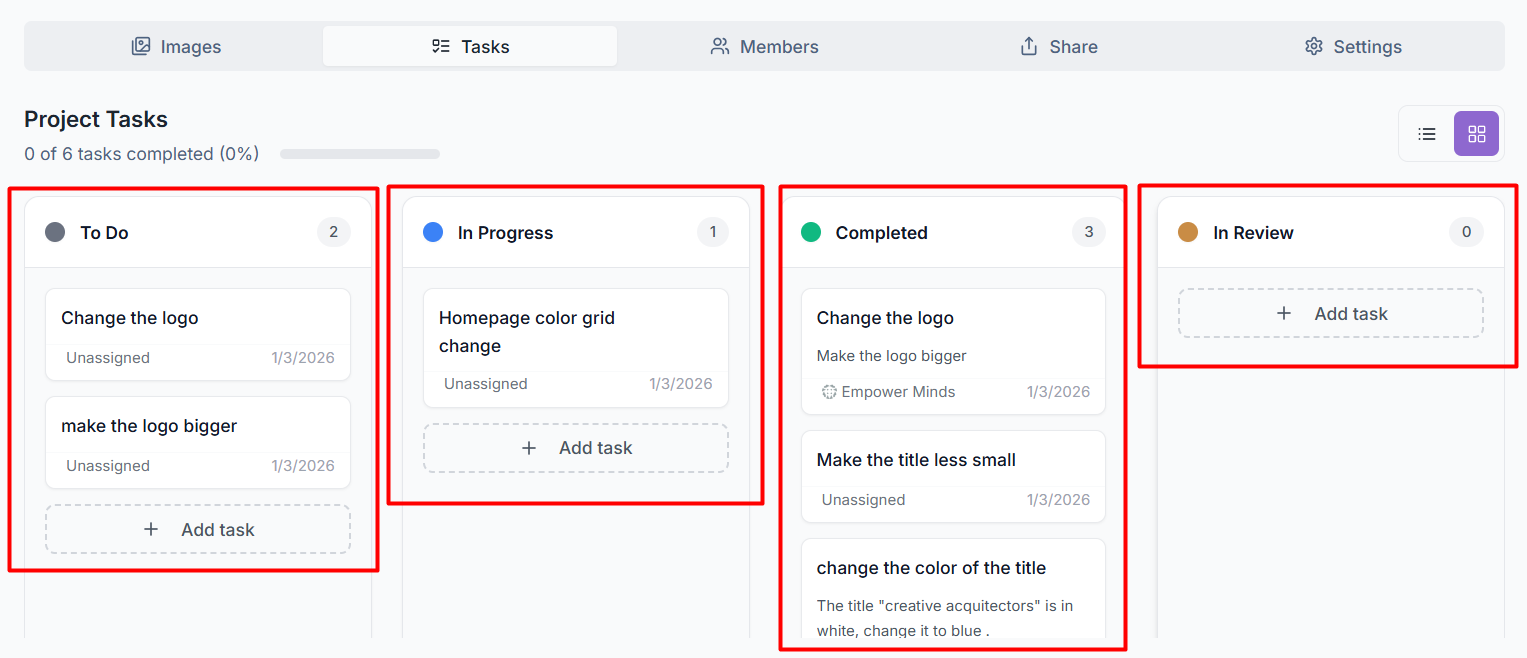
Task Cards: Individual tasks appear as cards within these columns, displaying the task title, assigned member, and the creation date.
Progress Tracking: The header of each column shows a numerical count of how many tasks are currently in that specific state.
Completion Progress: A progress bar located under the "Project Tasks" header indicates the overall percentage of tasks completed for the entire project.
Key Options in the Kanban View
The Kanban interface includes several functional tools to help you manage your workflow directly from the board:
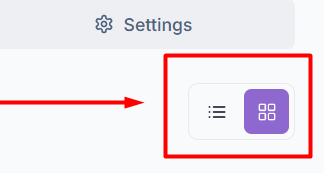
Switching Views: You can easily toggle between the Kanban View (grid icon) and the List View (list icon) using the selector in the top-right corner of the task section.
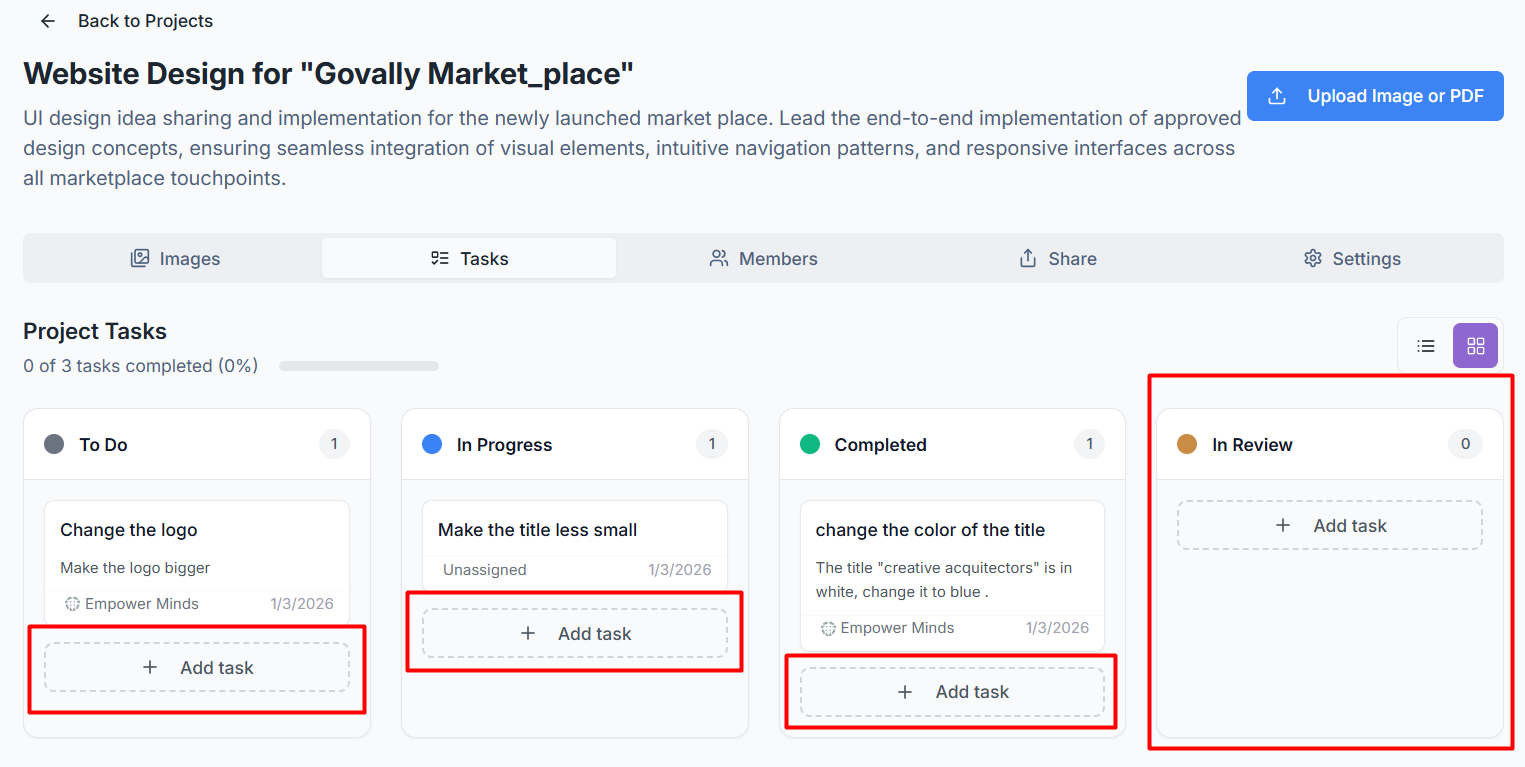
Direct Task Addition: Each column features a + Add task button at the bottom, allowing you to create a new work item directly within a specific state without leaving the board.
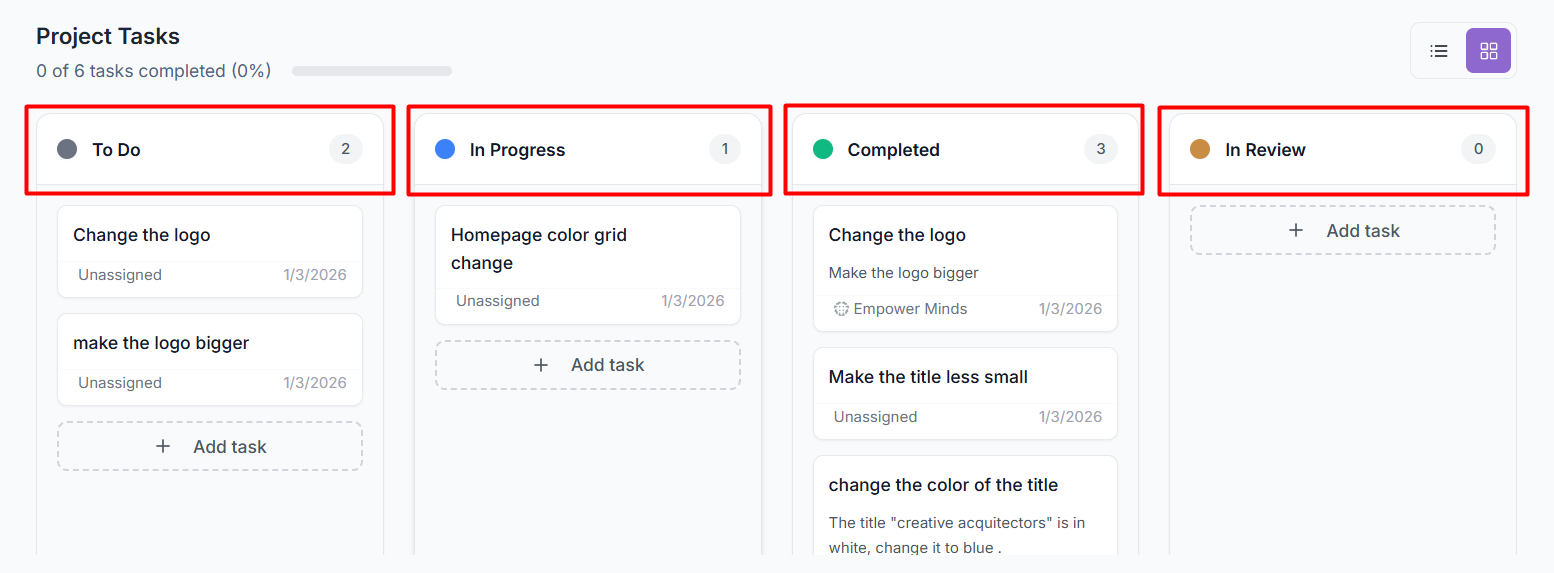
Custom State Indicators: Every column header includes a colored dot (e.g., blue for "In Progress," green for "Completed") that corresponds to the colors assigned in your project settings for quick visual identification.
Required for Completion Label: Columns that have been toggled as a "Mark as completed state" in your settings will display a green Required for completion badge.
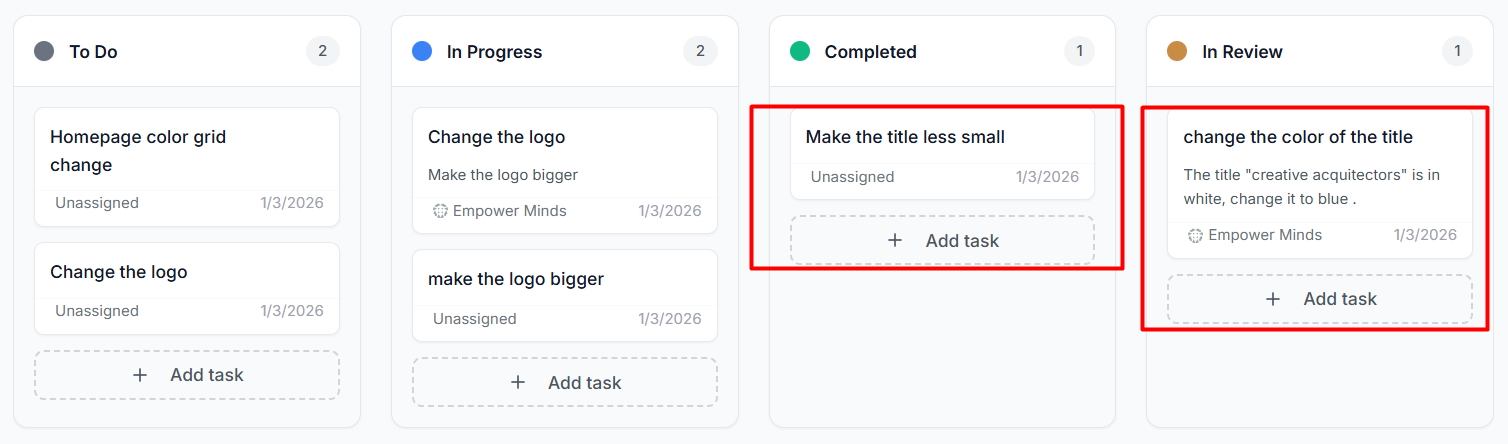
Task Status Updates: You can move tasks between stages by clicking or dragging on a task card and changing its Status dropdown within the Task Details window. ( e.g., Completed tasks are dragged into the “In Review” stage.)
Was this helpful?
Still need help? Ask the team