Browser Compatibility
Boast Image is built with a focus on high reliability, ensuring that the visual feedback you see is exactly what your stakeholder see, regardless of their setup. Check this guide if you or a collaborator experience rendering issues, such as misaligned annotations or pages failing to load. Reliability is non-negotiable; your tools should work during critical client presentations and across various devices without "mystery bugs".
Written By Jasen Fici
Last updated 10 months ago
Supported Environments
The platform is rigorously tested to ensure a consistent experience across the following:
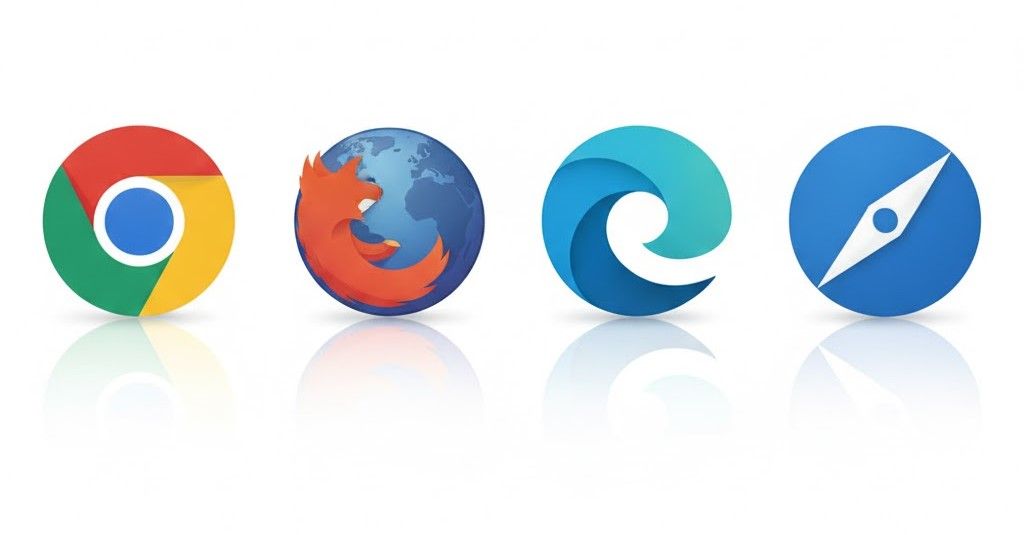
Modern Browsers: Optimized for the latest versions of Google Chrome, Mozilla Firefox, Microsoft Edge, and Apple Safari.
Cross-Device Functionality: Designed to work seamlessly on desktops, laptops, and tablets.
File Types: Rendering is consistent across all supported formats, including web captures, high-resolution images, and multi-page PDFs.
Troubleshooting Display Issues
If a page or image does not appear correctly, consider the following steps:
Update Your Browser: Ensure you are using the most recent version of your browser to support the latest web technologies and security protocols.
Browser Extensions: Sometimes third-party ad-blockers or security extensions can interfere with the Boast Image editor. Try disabling them if you experience unexpected behavior.
Use the Browser Extension: For live websites that are difficult to capture due to complex animations or login walls, use the official Boast Image Browser Extension for a more stable result.
Fast Human Support: If you encounter a persistent rendering bug, our support team typically responds within one business day.
Was this helpful?
Still need help? Ask the team